Lorikeet's Coach and MCP (Model Context Protocol) integration give you conversational control over your entire Lorikeet platform - you can build inbound and outbound workflows for customer engagement across the entire lifecycle. You can configure workflows, diagnose tickets, audit your knowledge base, and analyze performance, all through natural language.
Here are real customer stories about what this change means in practice.
Elevate From Operator to Strategist
The hidden cost of manual configuration and auditing isn't just time. It's focus. When operators spend their days in the weeds, strategy suffers. Teams grow to handle operational load instead of expanding capability.
Coach changes the ratio. Less time operating the system. More time improving the business.
What this looks like:
"Set up a simulation batch for the refund workflow with 3 different customer scenarios and run them."
"Compare this week's performance to last week. What should I prioritize?"
"Draft a summary of automation wins this month for the leadership update."
Small teams can own more. Operators become architects. The work gets more interesting.
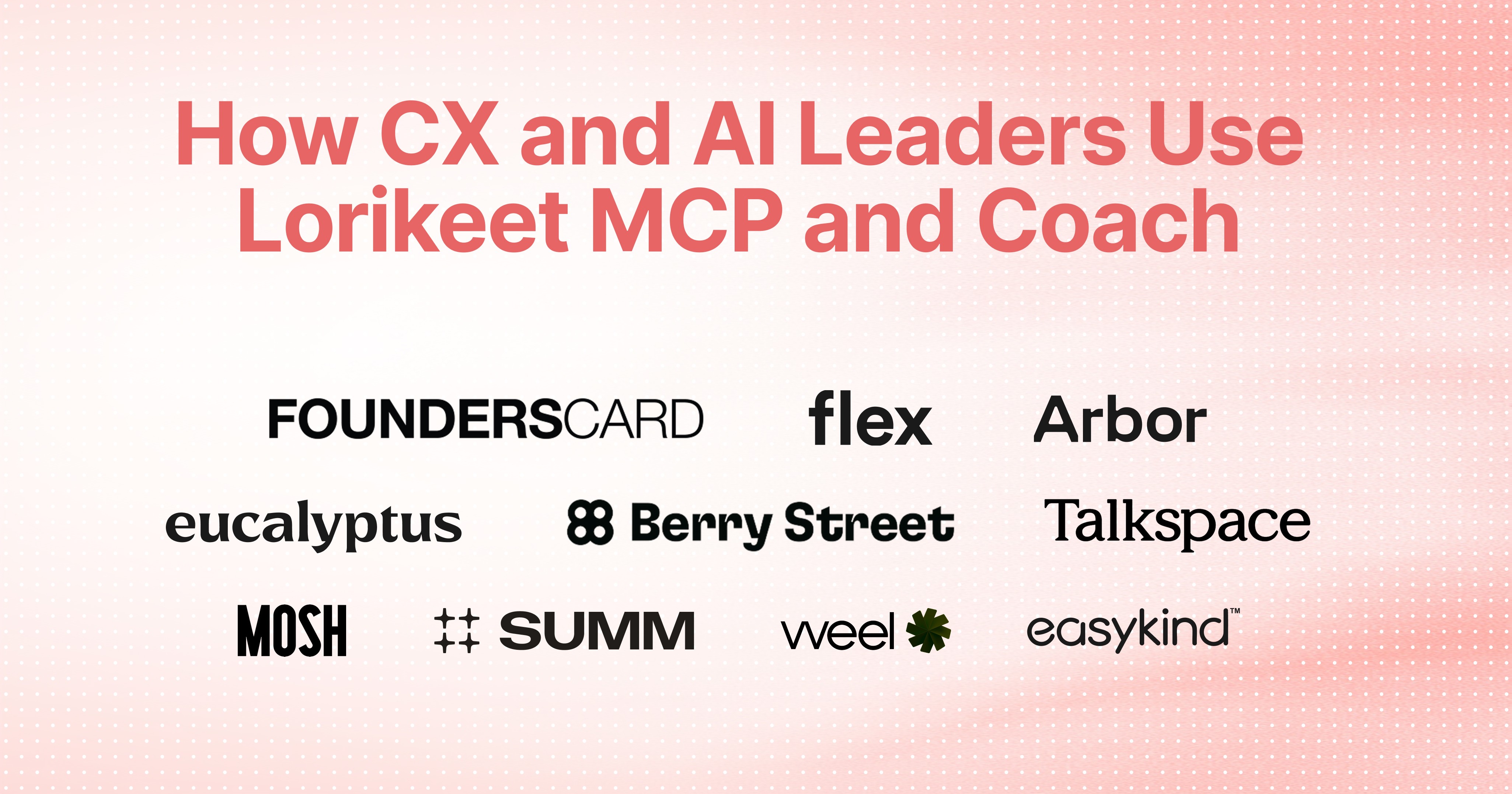
Arbor is a leading energy broker helping households across 13 US states save on electricity. With a 4.7-star rating on Trustpilot and $7.5M+ in documented customer savings, their AI agent Olive has become a standout, and their Head of Customer Operations now focuses on strategy instead of audits:
"For me personally, it means rising above the operational minutiae and being able to focus on strategy. For my team, they can have expanded ownership, and we can keep the team small and engaged, make the work exciting and worthwhile. We no longer have to rely on manual work or review. We just have a conversation with Coach to diagnose and configure Lorikeet."
Jess Mishlove, Head of Customer Operations, Arbor
Configure Through Conversation
Traditional automation requires translating business logic into system logic: building nodes, adding tools, testing iterations. It's slow, technical, and keeps operators dependent on engineering support.
With Coach, you describe what you need. The system builds it.
What this looks like:
"Create a natural language workflow that handles refund requests by checking order status, verifying the return window, and processing the refund."
"Add an API tool that calls our order management system's GET /orders endpoint with the customer's email."
"Here are the 13 paths a customer can go through for this scenario. Build them out."
Workflows, tools, integrations, auth configs, scrapers: the entire configuration surface is accessible through conversation.
FoundersCard is a global membership community of over 250,000 entrepreneurs, founders, and executives, offering 500+ exclusive benefits across travel, business, and lifestyle. Their Member Experience team uses Coach to provide an exceptional concierge-level service and stay ahead of issues at scale:
"Coach is quickly becoming a game changer for our team. It lets us efficiently diagnose, troubleshoot, and build workflows in real time. It's incredibly intuitive, and the ability to take action directly within the tool is a standout feature. It's helping us work smarter, move faster, and ultimately deliver a better member experience."
Rachel Lesnik, Senior Manager, Member Experience, FoundersCard
Talkspace is a leading online therapy platform connecting millions of people with licensed therapists through text, audio, and video making mental health care accessible anytime, anywhere. Their Client Support Content team uses Coach to build and refine their customer concierge agent:
"Coach is a great assistant for setting up the Lorikeet agent. It can suggest the best approach for workflows, guardrails, or style guides that define the behavior of the agent, directly implement the agreed approach for me, or guide me step-by-step if I want. It can also simulate performance and help me evaluate tickets, spot issues, and resolve them to prevent similar problems."
Wendy Zheng, Client Support Content Lead, Talkspace
Mosh is leading men's digital health clinic, connecting patients with registered doctors via telehealth for hair loss, sexual health, skincare, and mental health. Their Customer Service AI Lead went from week-long workflow builds to same-day shipping:
"Game changing. Before, I was making individual nodes, adding tools one by one, testing each iteration. That would take a week or two. Now I just explain the scenario. It starts creating the nodes and paths for me, and I fine-tune it. It made me feel like a conductor."
Joel Sheehan, Customer Service AI Lead, Mosh
Diagnose and Act in Real-Time
When a question comes up about a specific ticket, there is no need to dig through logs and tracing multiple sources. Traditional debugging meant clicking through UIs, cross-referencing logs, rebuilding context every time you return to an issue.
Coach understands your configuration, your tickets, and your history. Root cause analysis that used to take 20 minutes takes seconds. And when you're ready to fix it, you can make the change in the same conversation with Coach.
What this looks like:
"Pull up all escalated tickets from the last month. What went wrong and why did the customer get escalated?"
"Show me all tickets from the last hour where the refund workflow failed."
"The automation rate dropped this morning. What changed?"
Flex is a fintech platform trusted by over two million renters to split rent into smaller payments. Christina Fernandez leads CX operations and has made Coach her go-to tool for understanding what's happening across support tickets in real time:
"When someone raises a question about a ticket, I just drop it into Coach and ask what happened. I get the answer and auditable source material in one conversation, instantly. I can get quick insights without switching tools"
Christina Fernandez, CX Operations, Flex
Summ (formerly Crypto Tax Calculator) is a crypto tax software platform, backed by Coinbase Ventures and supporting 3,500+ integrations across exchanges and DeFi protocols. When tax rules change or edge cases emerge, their team needs to move fast:
"When I'm under pressure and need to make changes fast, Coach just gets it. I jump in, explain where I'm at, and it infers exactly what I'm trying to do. No rebuilding context, no wasted time, just high-quality outcomes. It raises the ceiling for what I can actually deliver."
Ben Melbourne, Senior Customer Support Specialist, Summ
Understand Performance at a Glance
CX leaders are often drowning in data but starving for insight. Metrics live in dashboards. Quality issues hide in ticket logs. Knowledge gaps only surface when customers complain.
Coach turns analysis into conversation.
What this looks like:
"What's our automation rate for the last 30 days, broken down by channel?"
"Review all 500 of our knowledge base articles. Which ones are outdated, which topics have gaps, and are there any quality issues? Suggest fixes and new articles for me to review"
"Which workflows have the highest escalation rate this week?"
Eucalyptus is a global digital health provider, operating brands like Juniper, Pilot, and Kin across weight loss, men's health, and reproductive care. Recently acquired by Hims & Hers for $1.15 billion, their Automation Lead uses Coach to cut through complexity at scale:
"I used to dig through data and stitch together reports just to get a read on things. It was slow and often unclear what actually mattered. Now Coach helps me spin up insights in minutes, understand what's happening and where to focus, and set our team's priorities with confidence. It makes acting on data much more straightforward."
Mia Dela Peña, Automation Lead, Eucalyptus
Berry Street is a telehealth platform and one of the largest networks of nutrition specialists in the world. Berry Street connects patients with registered dietitians across 1,250+ insurance plans nationwide. Their Platform Experience and Operations Lead uses Coach to bridge the gap between complex systems and actionable fixes:
"As a mostly non-technical person, Lorikeet's Coach feature has been a game-changer in helping me understand exactly where a workflow or knowledge base went wrong and why. It translates complex issues into clear, actionable insights that empower me to tweak workflows independently and with confidence."
Dakota Reed, Platform Experience and Operations Lead, Berry Street
Spot Bottlenecks and Move Fast
Coach doesn't just surface problems, it helps you fix them. Teams use it to identify what's blocking automation performance and accelerate their delivery timelines.
easykind is a global telehealth clinic operating in a highly regulated market. Their Solutions Engineer uses Coach to maintain quality at speed:
"I use Coach to identify bottlenecks across my workflows, enabling me to drive up independently resolved rate. Coach gave me clear insights and massively accelerated our delivery timeline. It felt like having an expert on demand."
Nina Brown, Solutions Engineer, easykind
Weel is a spend management platform helping businesses control company spending with smart corporate cards and expense management. Their team uses Coach to iterate quickly with confidence:
"Lorikeet makes it easy to move fast, spot gaps early, and put the right guardrails in place. Coach feels less like a tool and more like having an expert alongside and executing things for you."
Harry Burnard, Senior Customer Support Specialist, Weel
What You Can Do With Coach + MCP
Example categories | Example Prompts |
|---|---|
Workflow building | "Create a refund workflow that checks order status, verifies return window, and processes the refund." |
Ticket diagnosis | "Pull up all escalated tickets from the last month. What went wrong and why did the customer get escalated?" |
Knowledge management | "Review all our knowledge base articles. Which are outdated and where are the gaps?" |
Tool configuration | "Add an API tool that calls our order management system with the customer's email." |
Simulations | "Set up 3 test scenarios for the refund workflow and run them." |
Metrics analysis | "What's our automation rate for the last 30 days, by channel?" |
Performance audits | "Which workflows have the highest escalation rate this week?" |
How ready is your CX team for AI?
Before deploying AI tools like Coach and MCP, it's worth assessing your team's readiness across six key dimensions — from knowledge management to change management. Our free scorecard takes five minutes and tells you exactly where to focus.
Take the AI Readiness Scorecard →
Get Started
Coach is available to all Lorikeet customers. MCP integration works with Claude, Cursor, and other AI tools that support the Model Context Protocol.
Book a call
See what Lorikeet is capable of